- Navigate the DesignSpark Mechanical interface and set up a new project
Learn DesignSpark Mechanical
Master DesignSpark Mechanical with our step-by-step mechanical design software tutorials. Learn everything from navigating DesignSpark Mechanical's interface and working with 3D parts, through to creating mechanical designs and preparing models for 3D printing or manufacture.
Whether you're learning CAD for mechanical design for the first time or troubleshooting a complex assembly, our guides take you through the full workflow at your own pace.
After Completing these Tutorials, You Will be Able to:
- Create and edit 3D CAD models using push-pull and direct modelling tools
- Import, place and work with 3D parts and assemblies
- Troubleshoot common modelling issues including geometry errors and failed operations
- Prepare and export 3D models for 3D printing and manufacture
DesignSpark Mechanical Software Tutorials
Go through step-by-step DesignSpark Mechanical tutorials covering the full mechanical design workflow. Whether you're new to 3D CAD software or working through a specific modelling challenge, these guides take you from setting up the software and navigating the interface, through to creating parts, working with assemblies, and preparing designs for 3D printing or manufacture.

Getting started
Find out how to Download, install, and log into the software
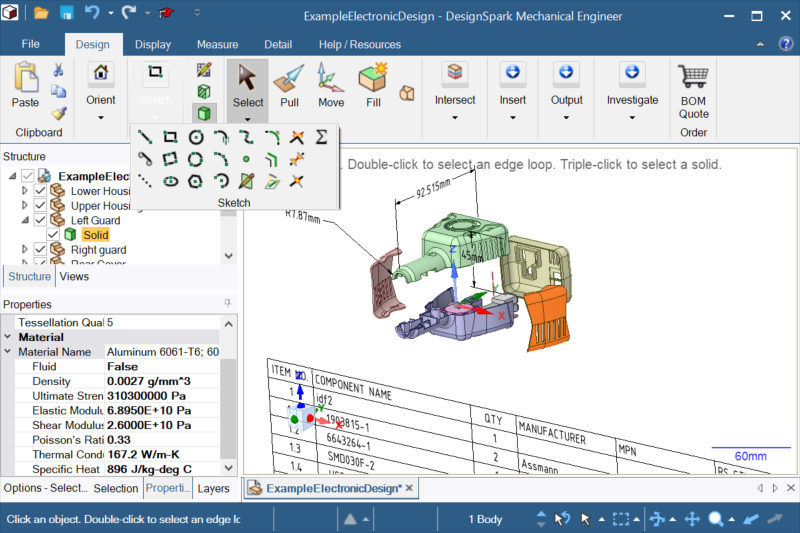
The Mechanical User Interface
Learn how to navigate and use the functions within the software
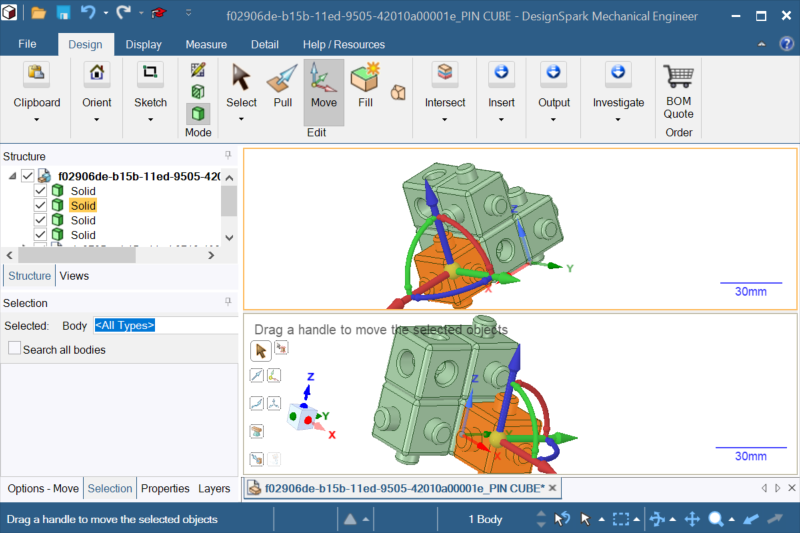
Starting a New Mechanical Project
Our how to guide to building your first printable design

Working with 3D Parts
Understanding 3D models and how to work with them
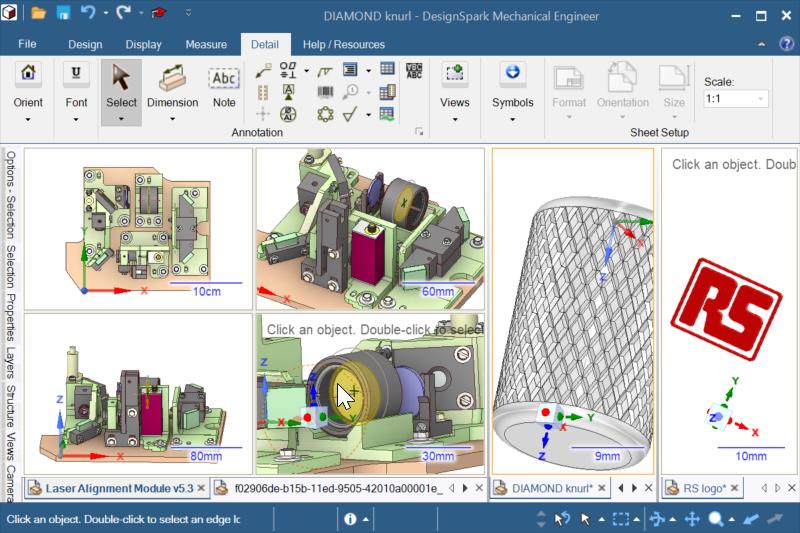
Creating your Mechanical 3D Design
Using features within the software to complete your project

Preparing 3D Models for Printing
Preparing your 3D Project Design ready for Printing

Download DesignSpark Mechanical 3D Design Software
Start designing with the DesignSpark Explorer plan — free for personal and commercial use, with unlimited projects and no hidden fees. Upgrade to Creator or Engineer for advanced modelling tools including STEP, IGES and DXF import, GD&T detailing and reverse engineering from 3D scans.
Always free, No hidden fees
Register a free accountFind inspiration, receive support and share your work with other DesignSpark Mechanical creators. If you want to enhance your learning further or communicate with other users of the software, we recommend visiting our forum or FAQs page. We also have helpful articles with updates and detailed guides.