

This tutorial requires:
DesignSpark Mechanical DSM V6.0+Creating a central reference between any two faces, such as a symmetry plane between a plate side faces is often helpful.
Creating a Plane of symmetry between the plate two end faces:
(Mid planes can also be made between two planes)
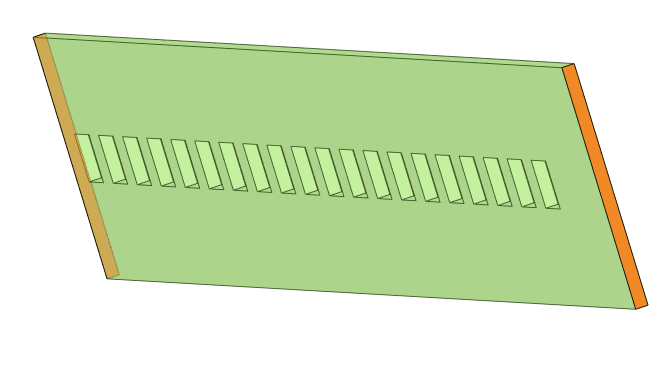
Select each face as shown, then create a Plane 
The plane is created at mid distance between the 2 faces.
With the Plane still selected, right click selecting 'Pinned'
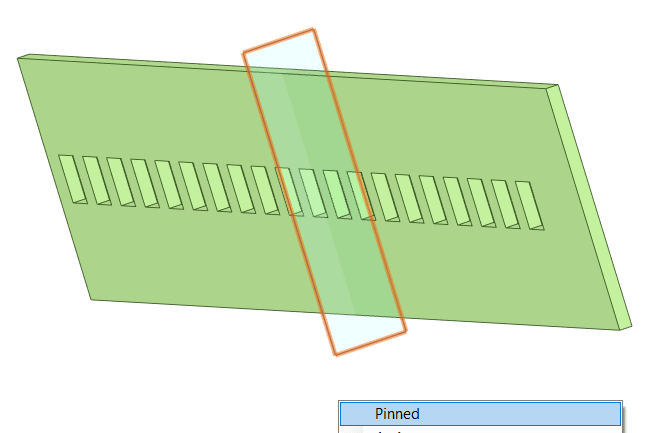
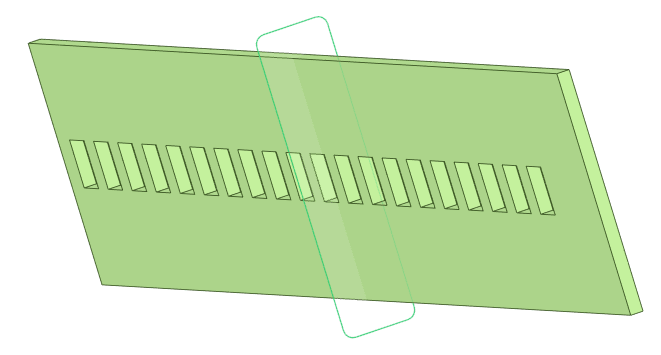
Pinned planes can not be moved independently of their associated defining pinned geometry. A pinned planed moves to always keep it's defined associated geometry relationship.
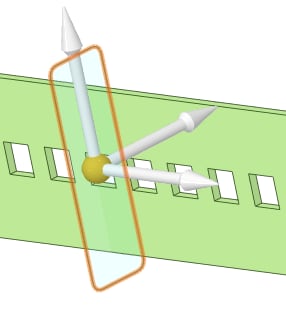

The feature defining the Pinned Plane can be identified by selection of the Pinned Plane, then by moving the mouse cursor away from the plane the related faces are highlighted by texture change.
Using any line display mode shows clearly the face association. The Gif example shows the pinned plane reference faces and a pinned plane referenced between two pinned planes - Only add pinned planes to assist the designing process IF NECESSARY, they are not a mandatory requirement !

Comments