
I have encountered a Catch 22 situation a number of times.
Here is a simple example that illustrates the problem:-
Create a schematic with two resistors and connect them together with a single net: N0001
Translate the schematic to a PCB.
Rename the Net on the PCB from N0001 to N0002
Rename the Net on the Schematic from N0001 to N0003
Now try and forward the design change to the PCB.
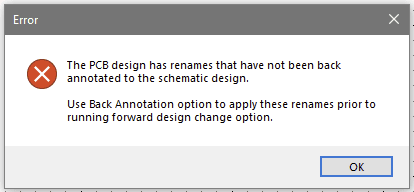
If you try to run Back Annotation as suggested it fails with the following error:-
===
Back Annotate renames from the PCB design to all Schematic designs in project "Test1".
Error: Could not find Net " N0001".
===
You are now completely stuck.
If you manually change N0002 on the PCB to match the Schematic (i.e. N0003) this is what happens:-.
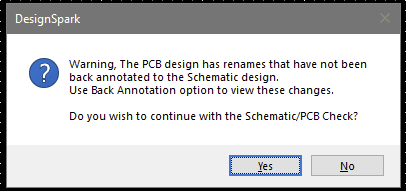
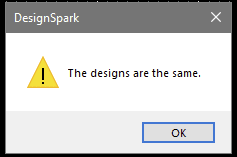
However if you now try to forward design changes from the Schematic you get this:-
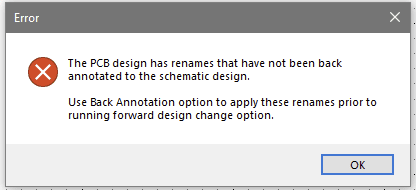
Attempting Back annotation again gives another error:-
===
Back Annotate renames from the PCB design to all Schematic designs in project "Test1".
Error: Could not find Net " N0001".
Error: Could not find Net " N0002".
===
For those old enough to remember the Colossal Cave adventure program: "You are in a maze of twisty passageways , all alike". There is no way out.
In this simple example with multiple renames, the user can eventually find a way out by manually trying to match the Schematic and PCB. In a more realistic example it becomes a nightmare.
What is needed is to allow the user the option to override the Back Annotation requirement and force renames made to the Schematic to the PCB.
You get similar problems if some components on the PCB have newer or older versions compared with those on the Schematic (or vice-versa). It is often unclear whether the user needs to update the component on the PCB or the Schematic. I have found that updating components can have unexpected side effects such as Values dissappearing from the Schematic.
Comments